 Ahsan Ali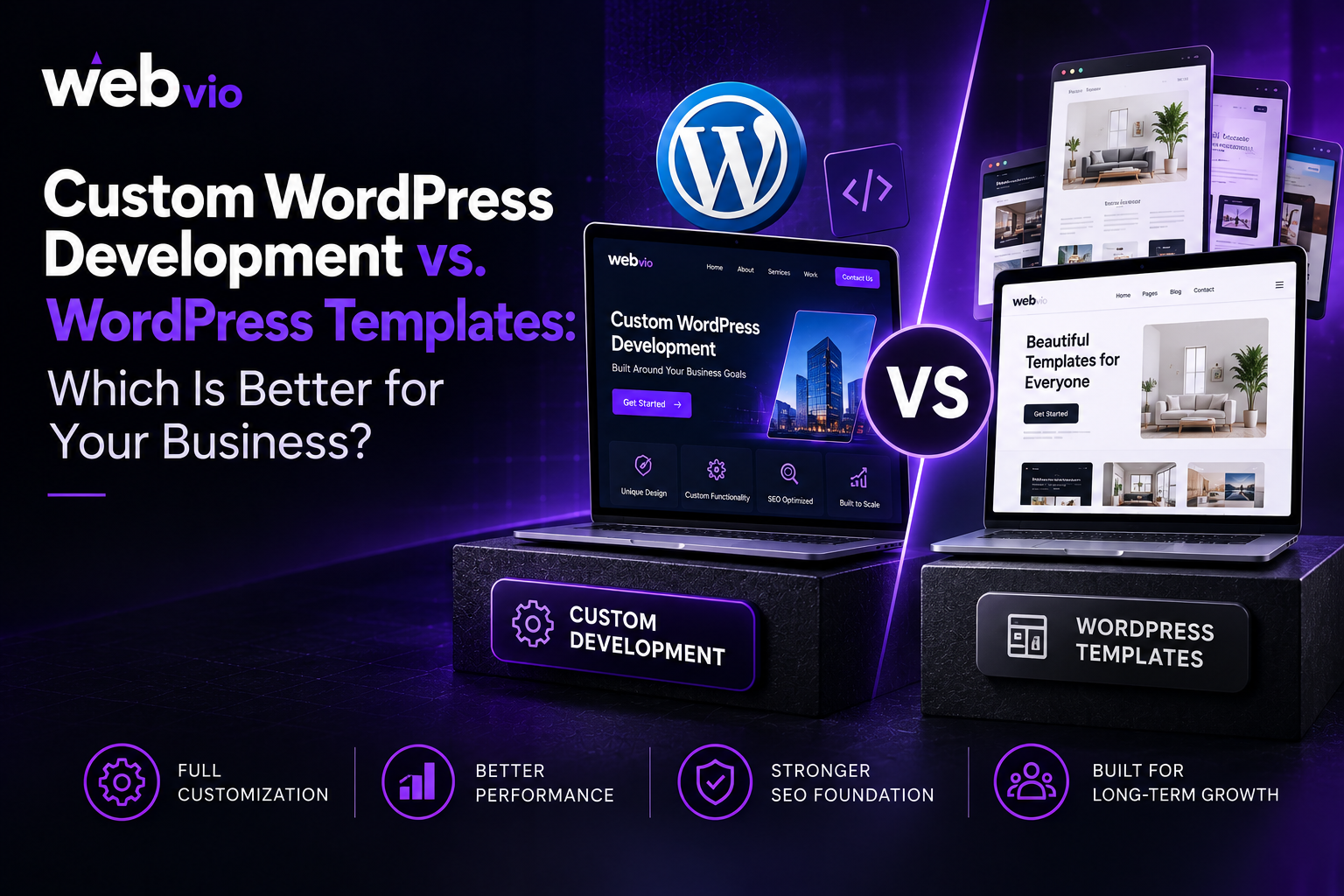
Choosing how to build your business website is an important decision. Your website influences how customers perceive your brand, how easily they find information, and how effectively they move from browsing to taking action. However, not every business needs the same approach to website development.
Some companies can achieve their goals with a ready-made WordPress theme, while others need a more tailored solution that supports specific functionality, branding, and future growth.
Understanding the differences between custom WordPress development and prebuilt templates can help you invest in the right solution without overspending or limiting your business unnecessarily.
What Is a WordPress Template?
A WordPress template or theme provides a predefined design and layout that helps you build a website without developing every component from scratch. Many themes include customizable colors, typography, page layouts, header styles, and other design options.
Some themes also work with visual page builders, allowing users to arrange sections and edit content through a graphical interface.
Templates can be a practical option for small businesses, startups, personal brands, and companies with straightforward website requirements. They can reduce initial development time and make it easier to launch a professional-looking website.
However, a template’s flexibility depends on its design, available features, compatibility, and customization options. If your business requires a highly specific user experience or complex functionality, adapting a theme may become more difficult.
What Is Custom WordPress Development?
Custom WordPress development involves creating a website or modifying its components to meet specific business requirements. Depending on the project, developers may create custom themes, page layouts, content structures, integrations, and functionality.
Instead of adapting your business processes to an existing design, the website can be planned around your audience, services, and operational needs.
Custom development may include:
- Brand-specific website design
- Custom page layouts and reusable components
- Advanced content management features
- CRM and third-party software integrations
- Tailored forms, booking systems, or interactive tools
- Performance and technical SEO improvements
- Specialized functionality for business workflows
Not every custom website needs to be built entirely from scratch. An effective solution may combine existing WordPress tools with custom components where they provide meaningful value.
The important distinction is that the website’s structure and functionality are developed around your requirements rather than being limited primarily by a predefined theme.
1. Initial Cost and Development Time
Cost is often one of the first considerations when comparing these approaches.
A ready-made theme typically has a lower initial cost because much of the design and functionality already exists. Depending on the project, you may need only theme configuration, branding adjustments, content entry, and a few additional features.
Custom development generally requires more planning, design, implementation, and testing. As a result, the initial investment can be higher, particularly when the project includes complex functionality or multiple integrations.
Development time also varies. A straightforward template-based website may be launched relatively quickly, while a custom project may require additional time for discovery, design approvals, and quality assurance.
However, initial price should not be the only factor in your decision. Consider the total cost of ownership, including future customizations, plugin licenses, maintenance, and potential redesigns.
Best fit: Templates are often suitable for businesses with limited budgets and simple requirements. Custom development may offer better value when specific business needs justify the additional investment.
2. Design Flexibility and Brand Identity
Your website is an important part of your brand’s online presence. It should communicate your positioning, establish credibility, and provide a consistent experience.
Templates offer design flexibility within the options provided by the theme. Colors, fonts, images, and page layouts can often be changed, but certain structural limitations may remain.
Custom development offers greater control over the website’s layout, interactions, navigation, and visual details. This can be useful for businesses with distinctive branding, specialized user journeys, or complex service offerings.
For example, a professional services company may need different layouts for case studies, service pages, and lead generation forms. A template might accommodate these requirements, but a custom solution can provide a more consistent experience when the existing theme does not support them well.
Still, a custom website is not automatically better designed. The outcome depends on the quality of the design process, the developer’s expertise, and how well the website addresses user needs.
3. Website Performance and Loading Speed
Website speed affects usability, particularly for visitors browsing on mobile devices or slower connections. A slow website can make it harder for users to explore your services and complete important actions.
Template-based websites can perform well when the theme is lightweight, hosting is suitable, and unnecessary plugins or scripts are avoided. Problems may arise when a theme includes many features that your website does not need or when additional plugins introduce unnecessary overhead.
Custom development allows developers to control which components and features are included. This can make it easier to avoid unnecessary functionality, although poor coding or unsuitable hosting can still result in a slow website.
When evaluating either approach, consider image optimization, caching, script loading, responsive design, and Core Web Vitals.
Performance should be measured rather than assumed. A lightweight, well-configured theme may outperform a poorly developed custom website, so ask for testing evidence instead of relying on claims about speed.
4. Search Engine Optimization
Both custom WordPress websites and template-based websites can be optimized for search engines. Neither approach automatically guarantees higher rankings.
The difference often comes down to implementation and how easily the website can support your SEO strategy.
A suitable theme can provide responsive layouts, editable page content, and compatibility with SEO tools. However, some themes may introduce unnecessary code, restrict layout changes, or make certain technical adjustments more difficult.
Custom development can provide greater control over URL structures, page templates, metadata, heading hierarchies, internal links, and technical implementation. This can be especially useful for businesses with extensive service pages or specific content requirements.
Regardless of your choice, important SEO considerations include:
- Search-friendly URLs and navigation
- Editable meta titles and descriptions
- Logical heading structures
- Crawlable internal links
- Appropriate canonical and indexing settings
- XML sitemap configuration
- Mobile usability and performance
- Relevant structured data where appropriate
SEO also depends on content quality, search intent, competition, backlinks, and ongoing optimization. A custom website cannot compensate for weak content or an ineffective SEO strategy.
Choose the approach that allows your team to maintain a technically sound website and publish useful content consistently.
5. Functionality and Integrations
A basic business website may need only service pages, contact forms, and a blog. More complex businesses may require booking systems, customer portals, payment processing, CRM integrations, or specialized content workflows.
Templates often provide standard features through built-in options and compatible plugins. This can be an efficient way to add functionality without extensive development.
However, the limitations of a theme or plugin may become apparent when your requirements are unusual. Workarounds can introduce complexity, and multiple plugins may create compatibility or maintenance challenges.
Custom development gives you more control over how functionality works and how different systems interact. It may be appropriate when the website needs to support specific processes that standard tools cannot handle efficiently.
Before choosing either approach, document the features your business actually needs. Avoid paying for custom functionality without a clear purpose, but do not force essential workflows into a solution that cannot support them reliably.
6. Scalability and Future Maintenance
Your website requirements may change as your business grows. You might introduce new services, publish more content, expand into additional markets, or integrate new business systems.
Templates can support growth when their features, architecture, and plugin ecosystem remain suitable. Many businesses can continue using a well-maintained theme for years.
Challenges can arise when future requirements exceed the theme’s capabilities or depend on unsupported customizations. Major changes may then require significant rework.
Custom development can provide a more tailored foundation for planned expansion. However, scalability depends on code quality, documentation, architecture, and maintenance practices—not simply on whether a website is custom-built.
Both approaches require ongoing maintenance, including WordPress updates, security checks, backups, compatibility testing, and performance monitoring.
Ask how future updates will be managed, who owns the website and its code, and whether your team can make routine content changes independently.
Custom WordPress Development vs. Templates: Quick Comparison
| Factor | WordPress templates | Custom WordPress development |
|---|---|---|
| Initial cost | Usually lower | Often higher |
| Launch time | Often faster | Depends on project complexity |
| Design flexibility | Depends on theme | Greater control |
| Performance | Can be excellent with proper setup | Can be optimized around requirements |
| SEO | Fully possible with suitable implementation | Greater technical control when needed |
| Specialized features | Often relies on existing tools and plugins | Can support tailored functionality |
| Maintenance | Theme and plugin updates required | Code, core, and dependency maintenance required |
| Best suited for | Straightforward websites | Specific requirements and complex workflows |
These are general tendencies rather than guarantees. The right choice depends on the theme, development quality, hosting, features, and business objectives.
Which Option Should Your Business Choose?
A template-based website may be the right choice if you need a relatively simple website, want to launch quickly, and can work within the available design and functionality options.
Custom WordPress development may be more appropriate if you need a distinctive user experience, specialized integrations, advanced content structures, or functionality that existing themes cannot provide effectively.
Before making a decision, consider these questions:
- Does the website need functionality that standard themes cannot support?
- Are the available templates flexible enough for your branding and user experience?
- What is your budget for both launch and ongoing maintenance?
- How important are specialized integrations and workflows?
- Will your website need substantial changes as your business grows?
Your answers should guide the decision more than the assumption that one approach is always superior.
If your requirements call for a tailored solution, explore WordPress Development Services to assess the options available for your project.
Final Thoughts
Custom WordPress development and ready-made templates both have a place in business website development. Templates can provide a practical, cost-effective starting point, while custom development offers greater control when your business has specific design, functionality, or integration requirements.
The best option is the one that supports your goals without introducing unnecessary cost or complexity. Compare your requirements, evaluate long-term maintenance, and consider how the website will support your marketing and customer experience after launch.
When you are ready to evaluate your options, Webvio Design can be a starting point for exploring web development solutions that align with your business needs.
Frequently Asked Questions
Is custom WordPress development better than a template?
Not in every situation. Custom development offers more control over design and functionality, while templates can be faster and more affordable for straightforward websites.
Are WordPress templates good for SEO?
Yes. A suitable theme can support SEO through responsive design, clean navigation, editable content, and compatibility with SEO tools. Technical configuration and content quality remain important.
Is a custom WordPress website more expensive?
It often has a higher initial cost because it may require additional planning, design, coding, and testing. The final cost depends on the project’s complexity and scope.
Can I customize a WordPress template?
Yes. Many themes support changes to colors, typography, layouts, and page sections. The available flexibility depends on the theme and the tools it supports.
Which option is better for a growing business?
A template can work well if it meets your current and expected needs. Custom development may be more suitable when your business requires specialized functionality or greater control over future changes.
Can I switch from a WordPress template to a custom website later?
Yes. However, the process may involve redesigning pages, migrating content, rebuilding functionality, and preserving important URLs and SEO signals. Planning ahead can make a future transition easier.