 Ahsan Ali
A business website has only a short time to capture visitors’ attention and communicate what makes a brand different. Traditional layouts, images, and animations can be effective, but some businesses need a more interactive way to showcase their products, explain complex ideas, or create memorable digital experiences. This is where 3D website design can offer new possibilities.
Three-dimensional visuals can help visitors explore products, interact with digital environments, and understand information in a more engaging way. When used strategically, they can support brand storytelling and make a website stand out in a competitive online market.
However, adding 3D elements does not automatically improve a website. Poorly implemented effects can slow down pages, distract visitors, and create accessibility challenges. Businesses need to balance visual creativity with performance, usability, and clear commercial objectives.
This guide explains what 3D website design involves, its main benefits, practical applications, and the best practices businesses should consider before investing in an interactive website.
What Is 3D Website Design?
3D website design uses three-dimensional models, environments, animations, or interactive visual elements to create depth and movement within a website. Instead of displaying only flat images and conventional layouts, a website may allow visitors to rotate a product, explore a virtual space, or interact with animated objects.
Depending on the project, 3D experiences can include:
- Interactive product models
- Animated three-dimensional illustrations
- Scroll-triggered 3D transitions
- Virtual environments and product configurators
- Immersive landing pages
- Interactive storytelling experiences
- Three-dimensional elements integrated into conventional layouts
These experiences can be created using tools and technologies such as WebGL, Three.js, and browser-based 3D design workflows. The appropriate technology depends on the complexity of the experience, the devices visitors use, and the website’s performance requirements.
Not every website needs extensive 3D graphics. A small interactive product model may provide more value than an elaborate animation that makes it difficult for visitors to find essential information.
1. Create a More Memorable Brand Experience
Businesses compete for attention across search engines, social media, advertising, and other digital channels. A distinctive website experience can help communicate a brand’s personality and give visitors a reason to explore further.
Three-dimensional visuals can introduce depth, movement, and interactivity that are difficult to achieve with static imagery alone. For example, a creative agency might use subtle 3D elements to demonstrate its design capabilities, while a technology company could use interactive visuals to explain a complex product.
The important factor is relevance. Visual effects should reinforce the brand’s message rather than exist purely for decoration.
Before adding 3D elements, identify what you want visitors to remember about your business. A clear visual concept, consistent branding, and intuitive navigation will usually contribute more to a strong experience than adding effects without a defined purpose.
2. Showcase Products in Greater Detail
One of the most practical applications of 3D website design is product visualization. Traditional photographs show a product from selected angles, while an interactive 3D model can allow users to examine different sides, inspect details, or explore available configurations.
This approach can be useful for businesses selling furniture, consumer products, industrial equipment, electronics, and other items where shape, materials, or design details influence purchasing decisions.
Depending on the implementation, customers may be able to:
- Rotate a product to view it from different angles
- Zoom in on important features
- Change selected colours or finishes
- Explore components or product variations
- Understand dimensions and product structure
These features can make product information easier to understand and support more informed purchasing decisions.
However, interactive models should complement rather than replace essential product details. Clear specifications, pricing, availability, shipping information, and conventional product images remain important for customers who prefer a straightforward shopping experience.
3. Explain Complex Services and Ideas
Some businesses offer services that are difficult to explain through text alone. Technical products, engineering solutions, architecture, software systems, and advanced manufacturing processes may involve components or workflows that are not immediately obvious to potential customers.
Three-dimensional visuals can simplify these explanations by showing how different parts fit together or how a process works.
For example, an architecture firm could present an interactive building model, while a technology company could illustrate how its platform connects different systems. A manufacturer might use an animated model to demonstrate a product’s internal components.
These visual explanations can help visitors understand complex information more quickly, provided the experience remains simple and focused.
A useful rule is to start with the visitor’s question. If a 3D model makes the answer easier to understand, it may be worth implementing. If a diagram, short video, or concise explanation achieves the same result more efficiently, a complex 3D experience may not be necessary.
4. Support User Engagement and Exploration
Interactive experiences can encourage visitors to explore a website rather than passively view its content. A product configurator, interactive diagram, or scroll-based visual explanation gives users an opportunity to participate in the experience.
This can be valuable when exploration directly supports the visitor’s goal. For example, a customer comparing product options may benefit from a configurator that updates the visual model as different choices are selected.
However, engagement should not be measured only by time spent on a page or the number of interactions. Visitors may spend longer on a website because they are confused or struggling to find information.
Businesses should evaluate engagement alongside meaningful outcomes, such as product inquiries, completed configurations, qualified leads, purchases, and successful navigation to relevant pages.
The objective is to help users accomplish something useful, not simply to keep them interacting with visual effects.
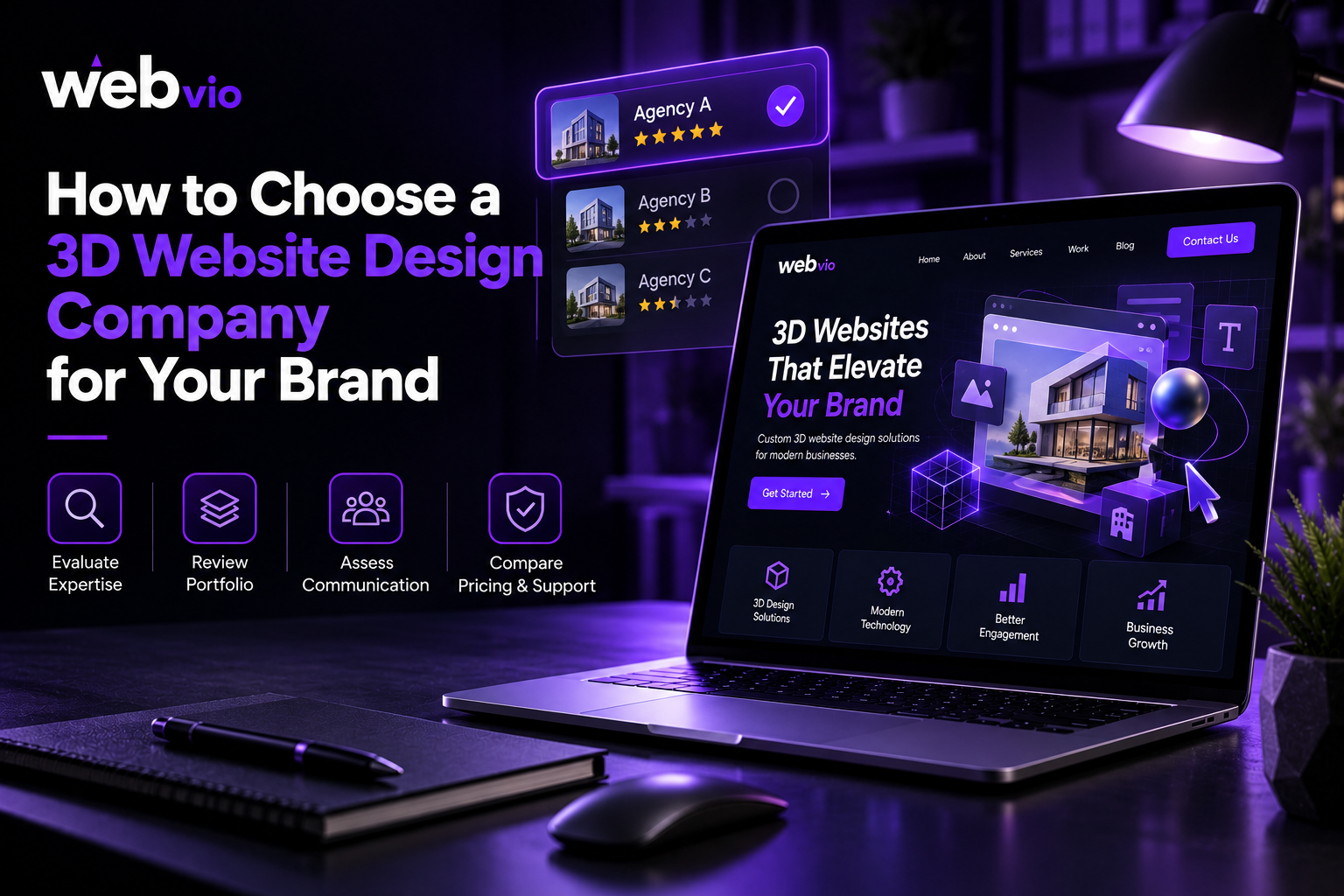
5. Choose the Right 3D Website Design Company
Building an effective 3D experience requires a combination of visual design, front-end development, performance optimization, and user experience planning. The complexity of the project will determine which skills and technologies are necessary.
When evaluating a 3D Website Design Company, look beyond attractive portfolio visuals. Ask how the team approaches usability, mobile compatibility, loading performance, accessibility, and integration with your existing website.
Consider these questions:
- Has the team created interactive experiences relevant to your business?
- Can the proposed design work across desktop and mobile devices?
- How will 3D assets be optimized for loading speed?
- Will visitors be able to navigate the website without interacting with 3D elements?
- How will performance and user engagement be measured?
- What maintenance will be required after launch?
A reliable development partner should explain the benefits and limitations of the proposed approach. It should also be willing to recommend simpler alternatives when they better serve your objectives.
6. Protect Website Speed and Performance
Performance is one of the most important considerations when introducing 3D graphics. Detailed models, large textures, complex animations, and extensive JavaScript can increase loading times and place additional demands on users’ devices.
A visually impressive website may still provide a poor experience if its main content takes too long to appear or its interactions become unresponsive.
Several practices can help manage these risks:
Optimize 3D assets. Reduce unnecessary model complexity, compress textures, and use suitable file formats.
Load content strategically. Consider loading nonessential 3D assets only when visitors approach the relevant section or choose to interact with it.
Limit unnecessary effects. Avoid continuous animations or complex scenes that do not support the page’s purpose.
Test real devices. Evaluate performance on different screen sizes, browsers, and hardware capabilities rather than relying exclusively on a high-powered development computer.
Monitor performance metrics. Measure loading speed, responsiveness, and layout stability using tools such as PageSpeed Insights and browser performance tools.
These practices help developers make informed trade-offs between visual detail and usability. Performance should be tested throughout development, not only after the website is complete.
7. Design for Mobile Users and Accessibility
A 3D experience that works smoothly on a desktop computer may not perform equally well on a mobile device. Smaller screens, touch interactions, limited processing power, and varying network conditions can affect usability.
Responsive implementation should adapt the experience to the device rather than simply shrink the desktop version. Some effects may need simplified models, reduced animation, or an alternative static image on less capable devices.
Accessibility also requires attention. Motion-heavy interfaces can cause discomfort for some users, while complex interactions may be difficult for people navigating with a keyboard or assistive technology.
Consider providing:
- Keyboard-accessible controls
- Clear labels for interactive elements
- Alternative text or descriptions where appropriate
- Reduced-motion options when relevant
- Sufficient colour contrast
- Static alternatives for essential visual information
- Clear navigation that does not depend on 3D interaction
The website should remain usable even when a visitor cannot or does not want to interact with the three-dimensional elements.
8. Understand the SEO Considerations
3D graphics do not automatically improve search rankings. Search engines still need to understand the page’s content, purpose, and relevance to users’ queries.
A website that relies heavily on visual elements without providing descriptive text may make it harder for visitors and search engines to understand important information.
To support SEO, ensure that each page includes useful written content, descriptive headings, relevant internal links, appropriate metadata, and a clear information structure.
Important product details, service explanations, and calls to action should not exist only inside a 3D model or animation. Provide accessible text that communicates the same essential information.
Also consider performance, mobile usability, crawlability, and the correct implementation of structured data where applicable.
If you are planning a broader redesign, 3D Website Design Services can be evaluated as part of a website strategy that balances visual innovation with technical SEO and usability.
9. Plan Your Budget Around Business Objectives
The cost of a 3D website experience depends on its complexity, design requirements, assets, functionality, and integration needs. A simple animated visual is generally less demanding than a custom interactive environment with configurable products and real-time data.
Before requesting proposals, define the business problem you want to solve and the results you want to measure.
For example, your objective might be to help customers understand product features, increase qualified inquiries, or demonstrate a complex service more effectively.
Ask potential developers to separate essential features from optional enhancements. This allows you to launch with the most valuable functionality first and expand the experience when there is evidence that additional investment is worthwhile.
You should also account for ongoing costs such as asset updates, browser compatibility testing, software maintenance, and performance monitoring.
A phased approach can reduce risk by allowing your team to test an initial experience before investing in a more extensive implementation.
Best Practices for a Successful 3D Website
Before launching, review the experience against a practical checklist:
- Define a clear purpose: Every major 3D element should support a specific user need or business objective.
- Keep navigation simple: Visitors should always know where to go next.
- Prioritize performance: Optimize models, textures, scripts, and loading behaviour.
- Provide mobile alternatives: Adapt or simplify complex effects for smaller devices.
- Consider accessibility: Support keyboard navigation and users who prefer reduced motion.
- Maintain useful written content: Essential information should not be hidden inside interactive graphics.
- Measure meaningful results: Track conversions and task completion rather than visual engagement alone.
- Test before launch: Check usability, compatibility, performance, and functionality across representative devices.
Following these principles helps ensure that 3D design supports the overall website rather than becoming an obstacle.
Final Thoughts
3D website design can help businesses present products, explain complex ideas, and create distinctive digital experiences. Its value depends on how effectively the experience addresses customer needs and supports the website’s objectives.
Before investing, consider your audience, the purpose of the interaction, your performance requirements, and the resources needed to maintain the experience. Start with the features that provide the clearest value, then expand based on user feedback and measurable results.
For more information about digital experiences and website development, explore Webvio Design. A thoughtful combination of design, usability, performance, and useful content can help your business create a website that is both engaging and practical.
Frequently Asked Questions
What is 3D website design?
3D website design uses three-dimensional models, animations, and interactive visual elements to add depth and interactivity to a website.
Is 3D website design suitable for every business?
No. It is most useful when interactive visuals help explain a product, demonstrate a service, or improve a relevant part of the customer experience. Simpler websites may not need it.
Does 3D website design affect SEO?
It can affect SEO indirectly if complex assets slow down a website or essential information is difficult to access. Optimized assets, useful written content, good performance, and accessible navigation help support SEO.
Can 3D websites work on mobile devices?
Yes, provided the experience is designed and tested for mobile hardware, touch controls, screen sizes, and network conditions. Complex effects may need to be simplified.
Which technologies are used for 3D websites?
Depending on the project, developers may use WebGL, Three.js, 3D modelling tools, optimized model formats, and JavaScript-based interactive components.
How much does 3D website design cost?
The cost depends on visual complexity, custom modelling, animation, interactivity, integrations, and performance requirements. A defined project scope helps developers provide a more accurate estimate.