 Ahsan Ali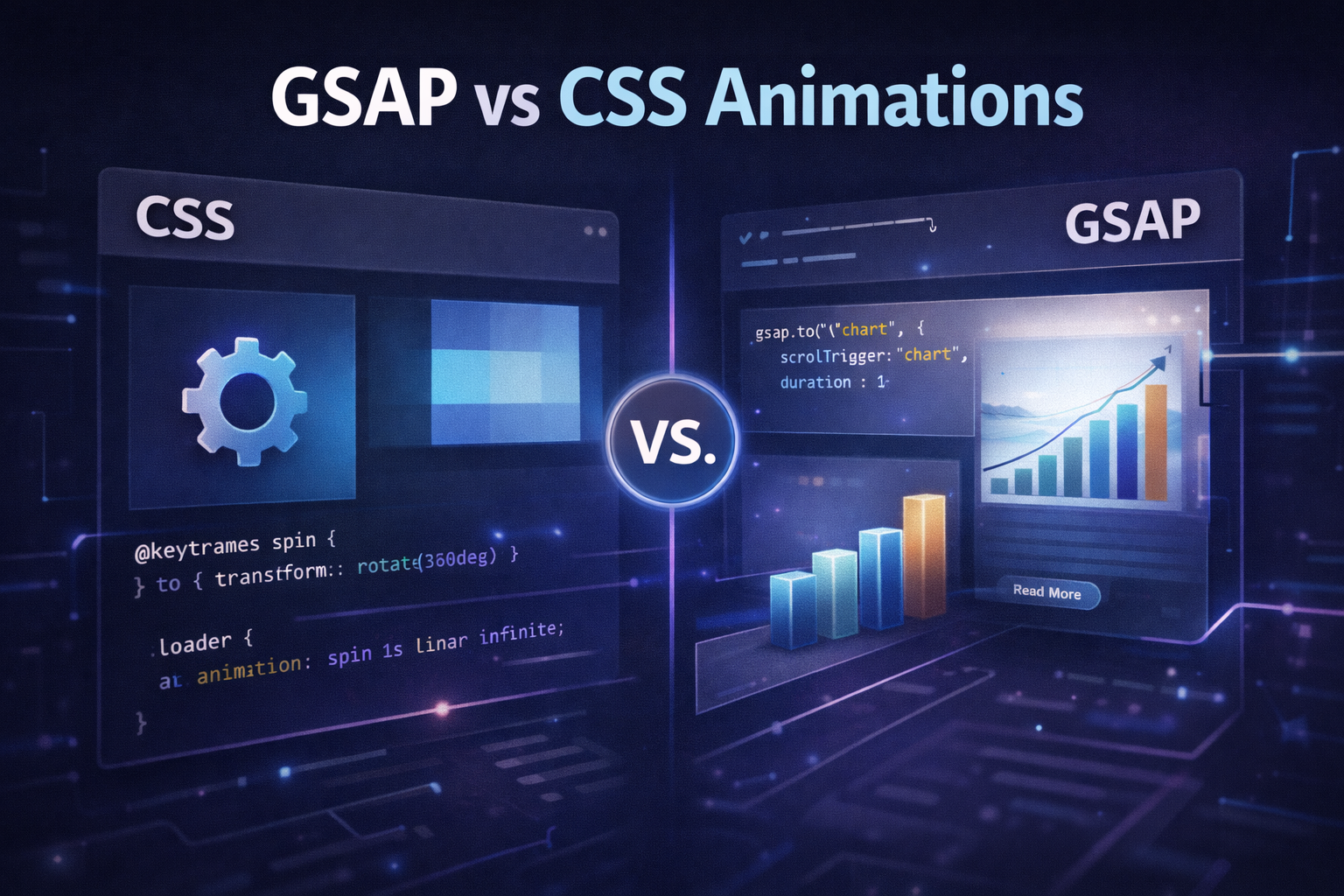
Every modern website uses animation in some form — hover effects, page transitions, scroll reveals, loading states. The question isn’t whether to animate. It’s which tool to use when.
The two dominant approaches are CSS animations (built into the browser, no dependencies required) and GSAP (a JavaScript library that gives you programmatic control over every aspect of motion). Both are legitimate tools. Both have real strengths. And both have scenarios where they’re clearly the wrong choice.
This article gives you a complete technical and practical comparison so you can make the right decision for your specific project — whether you’re a developer choosing a stack or a business owner evaluating what’s possible on your website.
What Are CSS Animations?
CSS animations are a native browser feature — no libraries, no JavaScript, no external dependencies required. You define animation behavior directly in your stylesheet using two mechanisms: transitions and keyframes.
Transitions animate an element smoothly from one state to another when a CSS property changes — most commonly triggered by a class change or a hover state:
.button {
    background-color: #000;
    transform: scale(1);
    transition: background-color 0.3s ease, transform 0.2s ease;
}

.button:hover {
    background-color: #333;
    transform: scale(1.05);
}
Keyframe animations give you control over an element’s state at multiple points throughout an animation, allowing for more complex multi-step motion:
@keyframes fadeSlideUp {
    0% {
        opacity: 0;
        transform: translateY(40px);
    }
    100% {
        opacity: 1;
        transform: translateY(0);
    }
}

.hero-title {
    animation: fadeSlideUp 0.8s ease-out forwards;
}
CSS animations run on the browser’s compositor thread when they animate transform and opacity properties — meaning they execute independently of JavaScript and don’t block the main thread. This makes them extremely performant for the scenarios they’re designed for.
What is GSAP?
GSAP (GreenSock Animation Platform) is a JavaScript animation library that’s been the industry standard for complex web animation for over a decade. It’s used by Google, Nike, Apple, and thousands of agencies worldwide for projects where CSS alone isn’t sufficient.
The core GSAP API animates any numeric CSS property, SVG attribute, or JavaScript object property. The same fade-slide-up animation from above looks like this in GSAP:
gsap.from(".hero-title", {
    opacity: 0,
    y: 40,
    duration: 0.8,
    ease: "power2.out"
});
But GSAP’s real power emerges when you need capabilities that CSS simply doesn’t have — timeline sequencing, scroll-based control, staggered multi-element animations, and JavaScript-driven interactivity. GSAP also includes a plugin ecosystem: ScrollTrigger for scroll animations, Draggable for drag interactions, MorphSVG for shape transformations, and SplitText for character and word-level text animations.
The core library and ScrollTrigger are completely free. Premium plugins require a GSAP Club membership. For most business website projects, the free tier covers everything you need.
Ease of Use and Learning Curve
CSS animations have a lower barrier to entry. If you already know CSS, you can write a basic transition in five minutes without reading any documentation. There’s no installation, no import statements, no build process consideration. For designers who are comfortable with CSS but not JavaScript, CSS animations are immediately accessible.
GSAP requires JavaScript knowledge and a short learning period to understand the API conventions. You need to understand how to target elements, how the timeline system works, and how to load the library correctly in your project. For developers already comfortable with JavaScript, this learning curve is genuinely short — most developers feel productive with GSAP within a day or two of focused practice.
The complexity gap inverts as project requirements grow. Simple CSS animations stay simple. But complex CSS animations — particularly multi-step sequences with precise timing relationships between elements — become difficult to write and nearly impossible to maintain. The same complexity in GSAP stays readable and manageable because the timeline API is designed for exactly this use case.
Verdict: CSS wins for beginners and simple projects. GSAP wins for anything complex.
Performance Comparison
Both CSS and GSAP animations are performant when used correctly. The key principle for both is identical: animate transform and opacity properties, not layout properties like width, height, top, left, margin, or padding. Animating layout properties forces the browser to recalculate the page layout on every frame — a process called layout thrashing that causes jank regardless of which tool you’re using.
CSS animations that stick to transform and opacity run on the compositor thread, completely independently of JavaScript. This is theoretically the most performant approach possible because even a blocked JavaScript main thread won’t affect the animation.
GSAP uses hardware-accelerated transforms wherever possible and includes an internal optimization layer that batches DOM reads and writes to prevent layout thrashing. For simple single-property animations, CSS has a slight theoretical performance advantage. For complex multi-element animations, GSAP’s batching and optimization often produces smoother results in practice because it has explicit control over the rendering process.
In real-world testing on complex animations, the performance difference between well-implemented CSS and well-implemented GSAP is negligible on modern hardware. The more meaningful performance consideration is implementation quality — a poorly implemented CSS animation will perform worse than a well-implemented GSAP animation, and vice versa.
Verdict: Both are fast when used correctly. CSS has a slight theoretical edge for simple animations. GSAP is more consistent across complex scenarios.
Animation Control and Sequencing
This is where the gap between CSS and GSAP becomes significant. CSS offers limited control over animation sequencing. You can use animation-delay to offset when animations start, but coordinating complex sequences where one animation must wait for another to reach a specific point — or where animations need to overlap, nest, or respond to events — requires increasingly fragile CSS hacks.
GSAP’s timeline system was built specifically to solve this problem. A timeline is a container that sequences animations with precise relationships:
const tl = gsap.timeline();

tl.from(".hero-title", { y: 60, opacity: 0, duration: 0.8 })
  .from(".hero-subtitle", { y: 40, opacity: 0, duration: 0.6 }, "-=0.3")  // starts 0.3s before previous ends
  .from(".hero-cta", { y: 20, opacity: 0, duration: 0.5 }, "-=0.2")
  .from(".hero-image", { x: 80, opacity: 0, duration: 1 }, "<0.2");  // starts 0.2s after previous begins
This kind of precise, readable sequencing has no CSS equivalent. It also has no equivalent that’s maintainable — if you need to add an element to the sequence or change the timing of one step, it’s a single line edit in GSAP versus a cascading recalculation of all your animation-delay values in CSS.
GSAP also gives you runtime control that CSS simply cannot provide: you can pause, resume, reverse, seek to a specific time, and change playback speed of any animation or timeline. This enables interaction patterns — hover-to-pause, click-to-reverse, scroll-to-scrub — that are architecturally impossible with pure CSS.
Verdict: GSAP wins clearly for anything requiring sequencing, timing control, or runtime manipulation.
Scroll Animations
Scroll-triggered animations — elements that animate as they enter the viewport, or animations that are tied to scroll position — are one of the most requested features in modern web design. CSS handles this poorly.
The native CSS solution uses the Intersection Observer API combined with class toggles, which works for simple viewport entrance animations but has no support for scroll-scrubbing (tying animation progress to scroll position), pinning, horizontal scroll sections, or complex trigger configurations. The newer CSS scroll-timeline specification offers some of these capabilities but has inconsistent browser support as of 2026.
GSAP’s ScrollTrigger plugin handles all of these scenarios with a consistent API that works across all modern browsers today:
gsap.registerPlugin(ScrollTrigger);

// Simple viewport entrance
gsap.from(".service-card", {
    scrollTrigger: {
        trigger: ".service-card",
        start: "top 85%",
        toggleActions: "play none none reverse"
    },
    y: 50,
    opacity: 0,
    duration: 0.7,
    stagger: 0.1
});

// Animation scrubbed to scroll position
gsap.to(".progress-bar", {
    scrollTrigger: {
        trigger: "body",
        start: "top top",
        end: "bottom bottom",
        scrub: true
    },
    scaleX: 1,
    transformOrigin: "left center"
});

// Pinned storytelling section
gsap.to(".feature-panel", {
    scrollTrigger: {
        trigger: ".features-section",
        pin: true,
        start: "top top",
        end: "+=600",
        scrub: 1
    },
    x: -400
});
Verdict: GSAP with ScrollTrigger is significantly more capable than any CSS-only scroll animation approach available today.
When to Use CSS Animations
CSS animations are the right choice in these specific scenarios:
Simple hover and focus states. Button color changes, underline effects, icon rotations on hover, input border highlights on focus — these are exactly what CSS transitions were designed for. Using GSAP for these would be unnecessary complexity.
Looping animations. Spinners, pulsing indicators, infinite marquees, and other continuously looping effects are cleaner in CSS because the browser handles the loop natively without JavaScript remaining active.
Projects with no JavaScript. Static sites, email templates, and projects with strict performance budgets where adding any JavaScript is undesirable should use CSS exclusively.
Simple page load animations on lightweight sites. If you have a simple marketing page and only need a few elements to fade in on load, CSS keyframes are entirely sufficient and add zero page weight.
When to Use GSAP
GSAP is the right choice in these scenarios:
Any scroll-based animation. Viewport entrance animations, scroll-scrubbed progress indicators, pinned sections, parallax effects, and horizontal scroll sequences all belong in GSAP with ScrollTrigger.
Sequenced entrance animations. When multiple elements need to animate in a coordinated sequence — a hero section where the headline, subheadline, CTA, and image each animate in with precise timing relationships — GSAP timelines are the right tool.
Interactive animations. Any animation that needs to respond to user input beyond hover — click events, drag interactions, form states, JavaScript-driven triggers — belongs in GSAP.
High-end marketing and agency sites. Award-winning sites that need to make a strong impression with sophisticated motion use GSAP because it enables a level of animation quality and control that CSS simply can’t match.
React and Vue applications. GSAP integrates cleanly with JavaScript frameworks and can animate component state changes, route transitions, and dynamic content in ways CSS cannot.
Side-by-Side Comparison
| Feature | CSS Animations | GSAP |
|---|---|---|
| Setup required | None | Library import |
| Learning curve | Low | Medium |
| Simple transitions | Excellent | Overkill |
| Complex sequencing | Poor | Excellent |
| Scroll animations | Limited | Excellent |
| Runtime control (pause/reverse) | None | Full |
| Performance (simple) | Excellent | Excellent |
| Performance (complex) | Good | Excellent |
| Browser compatibility | Excellent | Excellent |
| SVG animation | Limited | Excellent |
| Framework integration | Good | Excellent |
| Cost | Free | Free (core + ScrollTrigger) |
Conclusion
The answer to “GSAP or CSS?” is almost always: both, used for what each does best.
Use CSS for hover states, simple transitions, looping effects, and anything that doesn’t require JavaScript control. These are native browser features that require no dependencies and perform excellently within their scope.
Use GSAP for scroll animations, sequenced entrances, interactive motion, and any animation complex enough that you need a timeline to manage it. ScrollTrigger alone justifies adding GSAP to almost any project that uses scroll-based effects.
The developers and agencies producing the best animation work on the web today don’t choose one over the other — they use CSS where it’s sufficient and GSAP where it’s necessary. Understanding that distinction is what separates animation that feels effortless from animation that feels like it required too much effort to build.
If you’re building a business website and want motion that genuinely improves user experience and engagement rather than just adding visual noise, the implementation approach matters as much as the design. We build custom GSAP animation systems for business websites that are fast, accessible, and designed to keep visitors engaged.